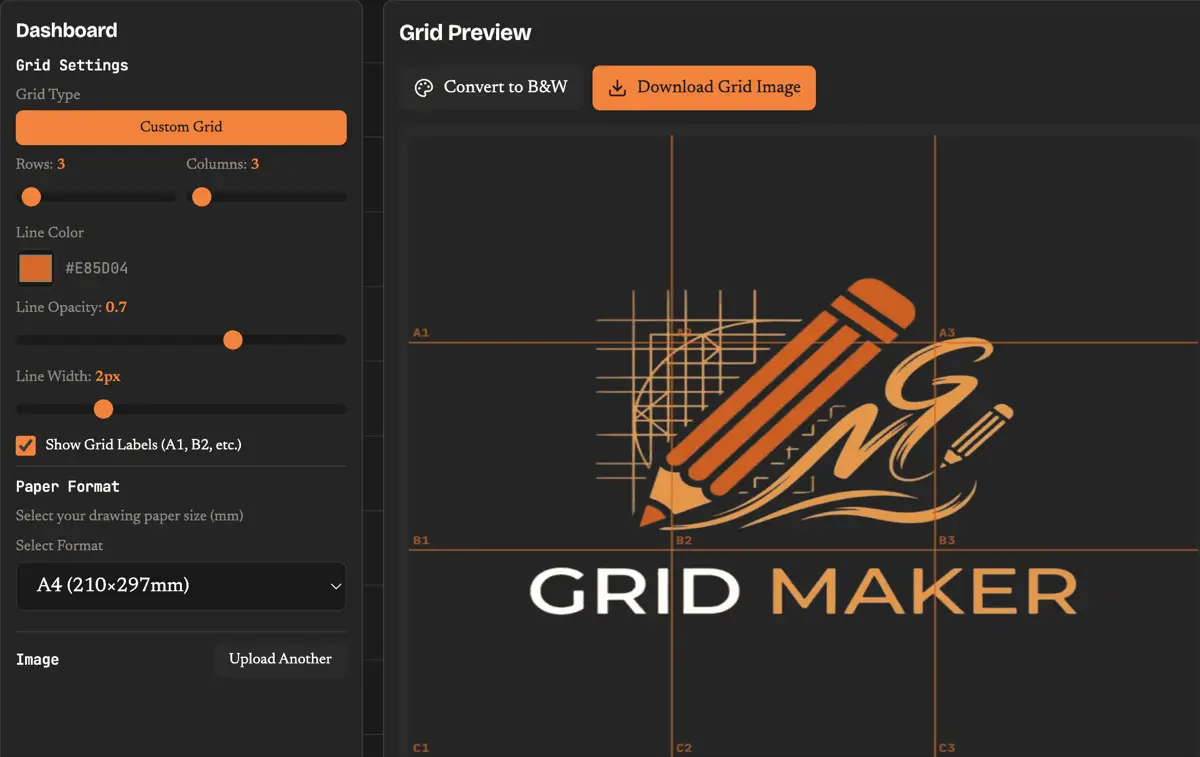
Whether you're sketching portraits, scaling up murals, or learning to draw, our grid maker helps you achieve accuracy every time. Upload any reference image, overlay a customizable drawing grid, and watch your artwork come to life with precise proportions. This browser-based grid maker tool is completely free — no downloads, no signups, no limits. Your images stay private on your device while you create professional-quality gridded references for any artistic project.

Drag and drop your reference image here, or click the button below to browse your files
Supported formats: JPG, PNG, GIF, WEBP
The grid maker technique has been trusted by masters from Dürer to Chuck Close. Our tool brings this time-tested method into the digital age with features designed for modern artists working in any medium.
Configure your grid maker from 2×2 for quick compositional studies up to 26×26 for photorealistic detail work. More squares mean more precision for complex subjects like portraits or architectural drawings.
Enable alphanumeric labels (A1, B2, C3) on your drawing grid to easily match sections between your reference and canvas. Essential for larger works where you might lose your place.
Convert your reference to black and white with one click. This grid maker feature helps you focus on values and shading before committing to color — a technique used by professional portrait artists.
Export your gridded reference sized for A2, A3, A4, A5, Letter, or Legal paper. The grid maker calculates exact measurements so you can draw matching grid lines on your physical canvas.
Adjust grid line color, thickness, and opacity to suit your reference image. Light lines for detailed photos, bold lines for high-contrast subjects — you're in control of your grid maker settings.
Unlike other grid maker tools, your images never leave your device. Everything runs locally in your browser — we never see, store, or have access to your reference photos or artwork.
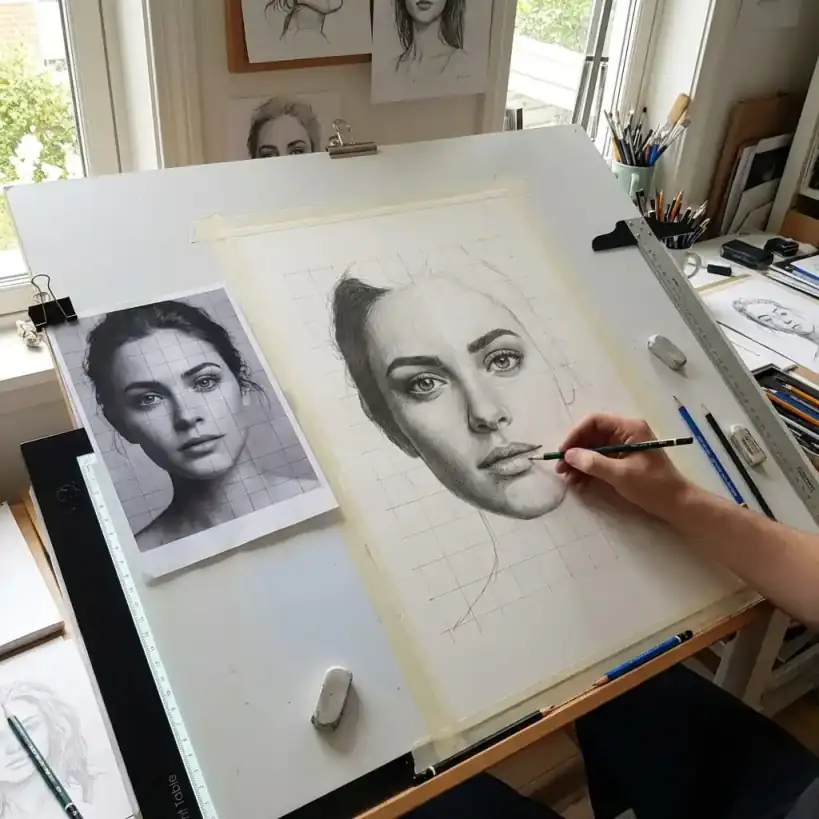
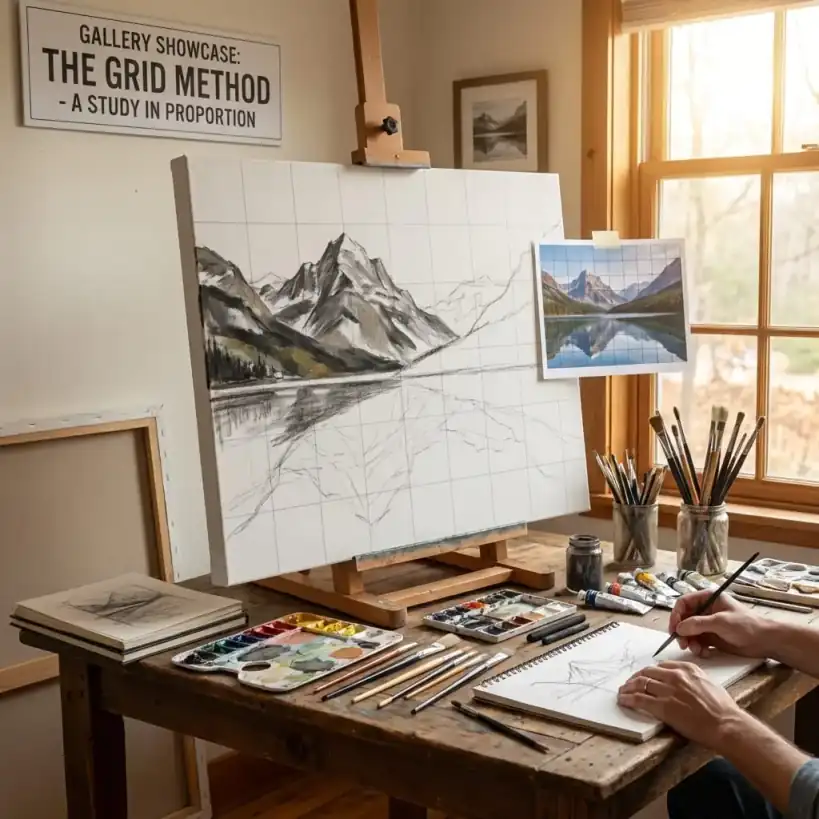
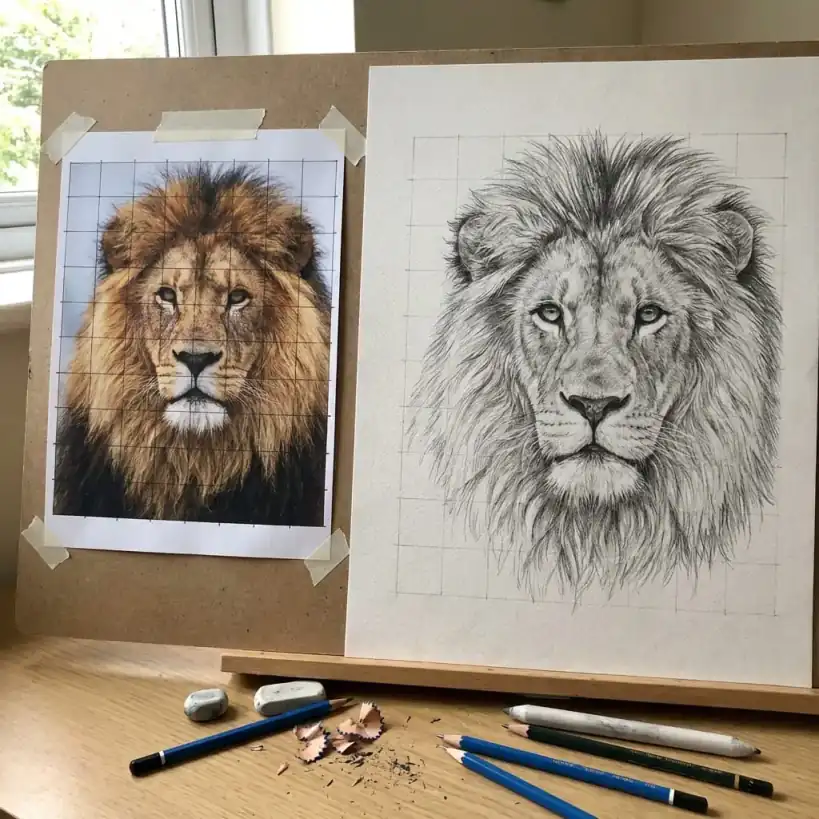
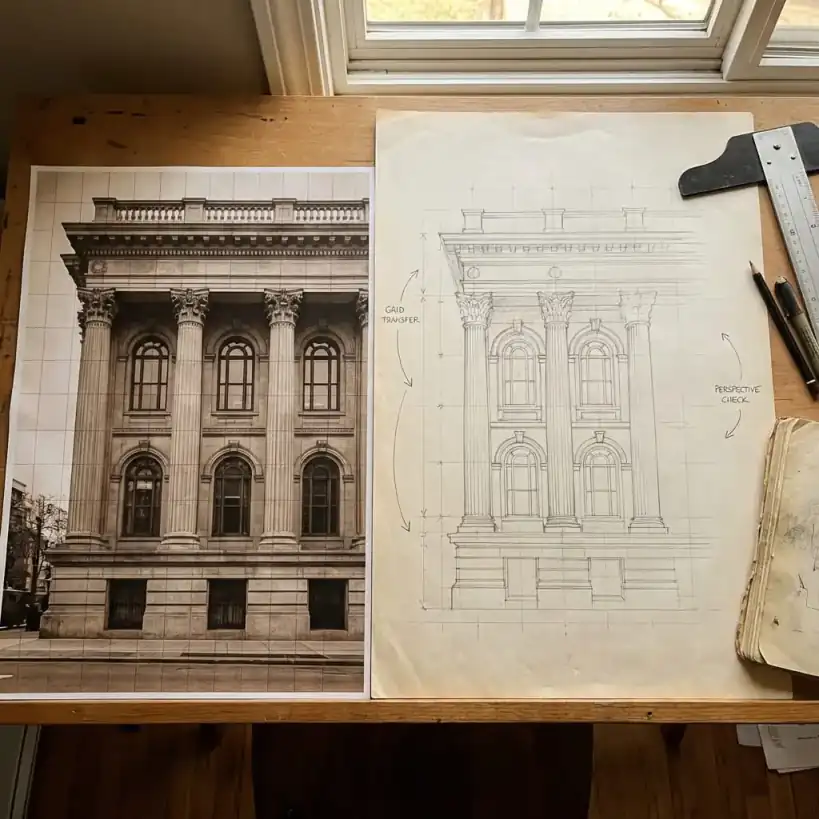
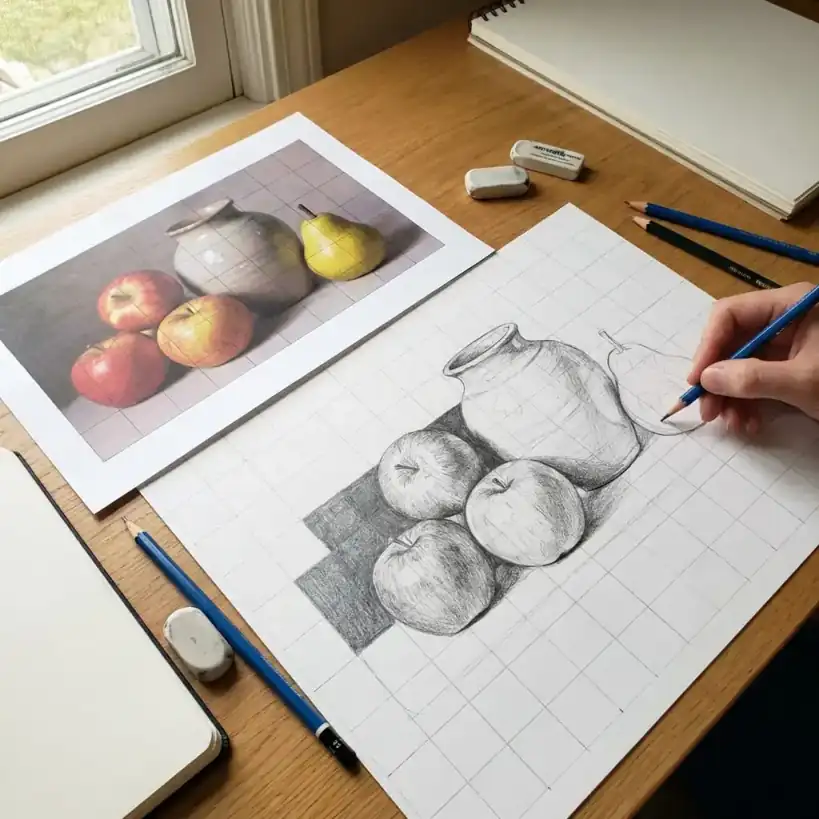
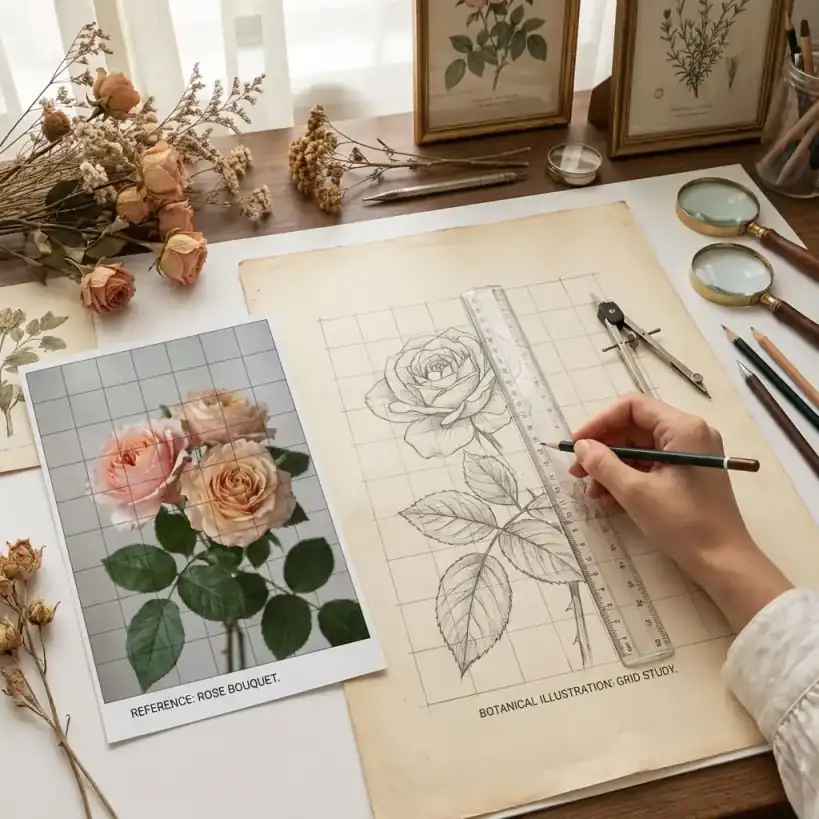
See how artists use the grid maker method to tackle various subjects. From realistic portraits to detailed architectural drawings, the drawing grid technique helps maintain accuracy at any scale.
Portrait Drawing
Landscape Art
Wildlife Illustration
Architectural Drawing
Still Life
Botanical Art
Portrait Drawing
Landscape Art
Wildlife Illustration
Architectural Drawing
Still Life
Botanical ArtThe grid drawing method breaks complex images into manageable sections. Here's how to use our grid maker tool to improve your artwork accuracy in four simple steps.
Drag and drop any photo into the grid maker — portraits, landscapes, still life, or any subject you want to draw. We support JPG, PNG, GIF, and WebP formats. Your image stays on your device.
Set the number of rows and columns for your grid. Start with fewer squares for simple compositions, add more for detailed subjects. Adjust line color and opacity to work with your reference.
Select your paper format (A4, A3, Letter, etc.) and the grid maker calculates the exact spacing for your physical canvas. Print the reference or use the measurements to draw your own grid.
Focus on one grid square at a time, copying the shapes and lines you see. This approach makes even complex subjects manageable. Before you know it, your complete drawing emerges with accurate proportions.
Simple, focused, and designed to do one thing well — help you draw with better accuracy using the grid maker technique.
Images never uploaded
No hidden costs ever
Start creating immediately
Everything you need to know about using the grid maker for your drawing projects.
Join thousands of artists using the grid maker method to achieve better proportions. No signup required — just upload an image and start creating.